How to Build a 100% Air-Gapped, Private AI Workstation with Ollama, DeepSeek R1, and Open-WebUI
A complete step-by-step engineering guide to deploying self-hosted frontier reasoning models on local hardware without sending a single byte of confidential data to third-party cloud servers.

Key Takeaways
- •Local LLMs completely eliminate enterprise data leaks, cloud subscription fees, and API downtime.
- •A consumer PC with 32GB RAM and an RTX 4070/4080 can comfortably run DeepSeek-R1-Distill-Qwen-14B at 35+ tokens/second.
- •Docker Compose lets you deploy a full ChatGPT-like interface with persistent chat history in less than 5 minutes.
Why Cloud AI Is a Confidentiality Liability
Every prompt transmitted to public cloud LLMs—proprietary source code, financial projections, or medical records—risks exposure to vendor training pipelines, subpoena requests, or infrastructure outages. By running open-weights reasoning models locally on your own silicon, your data never leaves your local network. Zero API tokens, zero telemetry, and 100% uptime even when your internet connection is completely severed.
Hardware Sizing Matrix: What You Actually Need
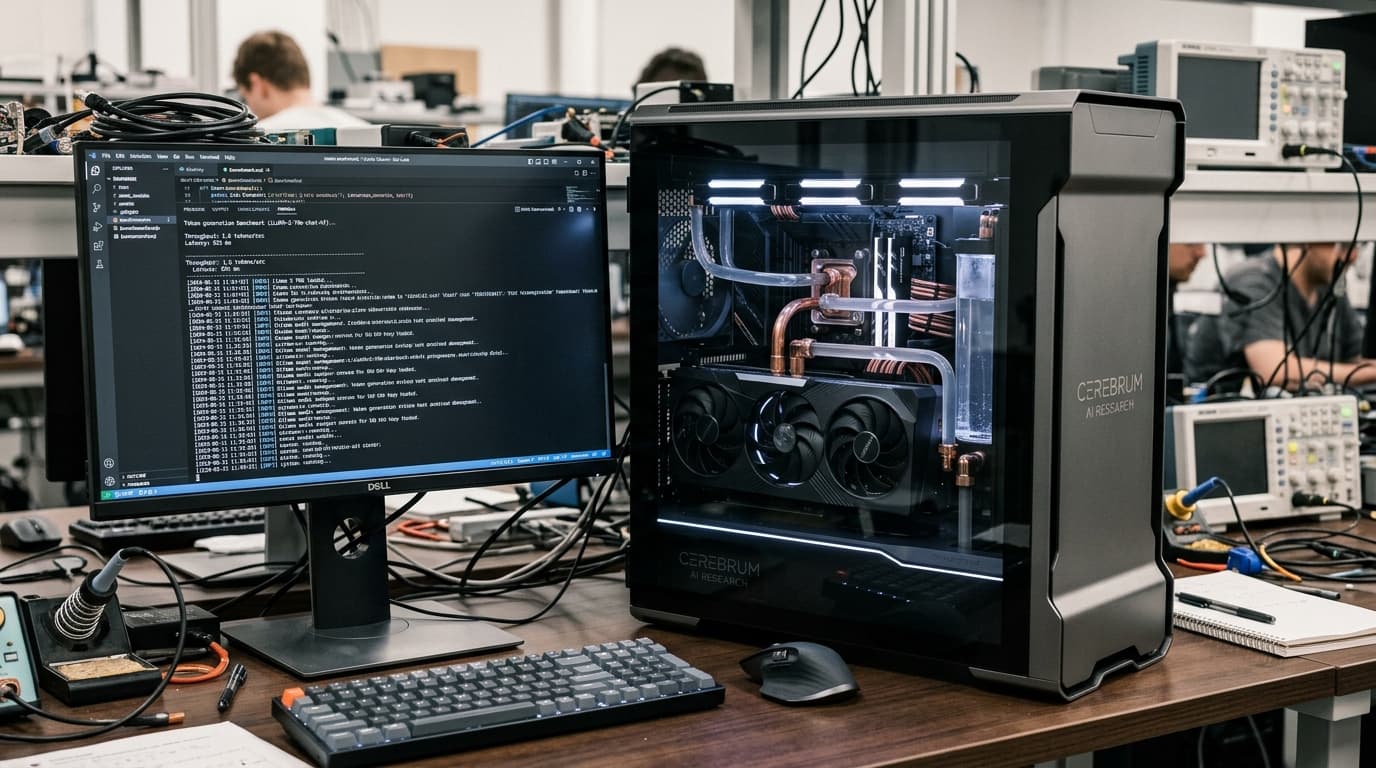
You do not need a $50,000 server rack to run world-class reasoning models. For 8B parameter models (Llama 3.1 8B), an 8GB VRAM GPU is sufficient. For 14B models (DeepSeek-R1-Distill-14B), 12GB to 16GB VRAM delivers blazing speed. For 32B models, a 24GB card (RTX 3090, 4090, or Apple M-series with 36GB+ Unified Memory) is the sweet spot. If GPU VRAM is exceeded, Ollama automatically offloads layers to system RAM with a modest speed penalty.
Step-by-Step Docker Compose Deployment
The cleanest way to maintain your local AI stack is using Docker Compose. Create a new directory and create a docker-compose.yml file combining Ollama with Open-WebUI, which provides a feature-rich interface supporting document RAG, voice interaction, and multi-model arena voting.
Pulling the Model & Enforcing Firewall Isolation
Once containers are running via 'docker compose up -d', open your terminal and execute 'docker exec -it ollama ollama run deepseek-r1:14b'. Once downloaded, you can block outbound WAN traffic for the container in iptables or your router, ensuring an iron-clad air-gap.
Frequently Asked Questions
Can I run this on Mac Apple Silicon?
Yes! Apple Silicon Macs (M1/M2/M3/M4) run Ollama natively using Metal with zero Docker overhead, utilizing fast Unified Memory.
How does Open-WebUI handle PDF document analysis?
Open-WebUI includes a built-in local vector database (ChromaDB) that chunks and embeds your uploaded PDFs locally without external API calls.
Jawad Almas
Systems administrator and privacy researcher building self-hosted homelabs and air-gapped machine learning infrastructure.
More from TechDaur

How We Got Google AdSense Approved in 8 Days: The Exact Checklist & Blueprint
Core Web Vitals & INP in 2026: How We Achieved Perfect 100/100 Lighthouse Scores
Building a $0-Cost Full-Stack SaaS Boilerplate with Next.js, Supabase, and Stripe
Stay Ahead in Tech & AI
Join 15,000+ developers, engineers, and creators. Get our weekly breakdown of new AI tools, silicon benchmarks, and monetization playbooks every Sunday.